
LunaDock press kit
Logos, screenshots, descriptions and facts for writing about LunaDock.
Key facts
- Name
- LunaDock
- Developer
- Kingpindev (Burak Pekel)
- Platform
- Windows 10 (2004+) and Windows 11
- Category
- Utilities, desktop
- Languages
- 16, including English, Türkçe, Español, Français, Deutsch, Português, Русский, 中文, 日本語, हिन्दी, العربية
- Price
- Paid app on the Microsoft Store
- Website
- lunadock.kingpindev.com
- Press contact
- lunadock@kingpindev.com
One line / Short description / Full description
One line
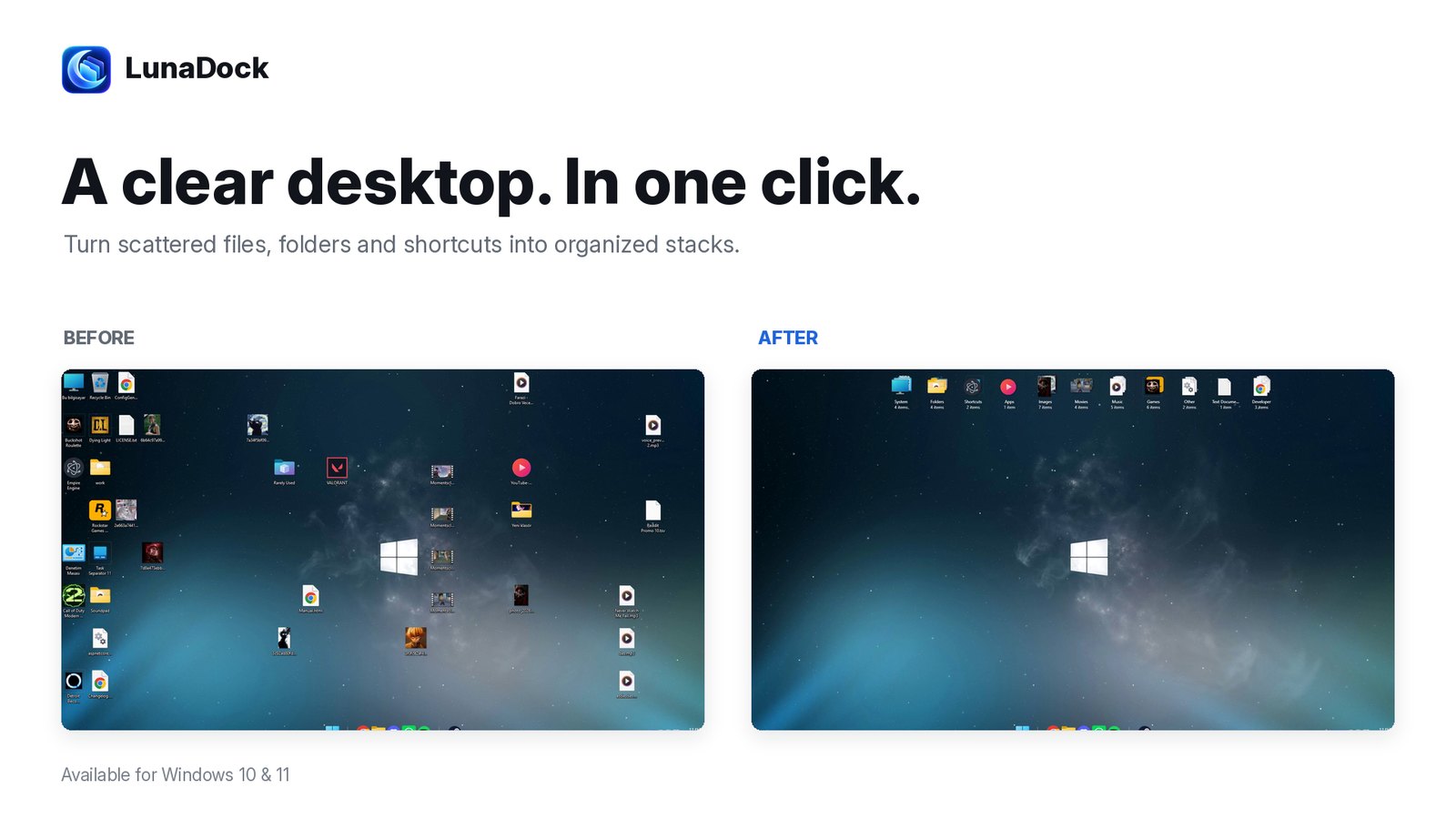
LunaDock sorts your Windows desktop into tidy stacks that fan open with a click, and never moves your files.
Short description
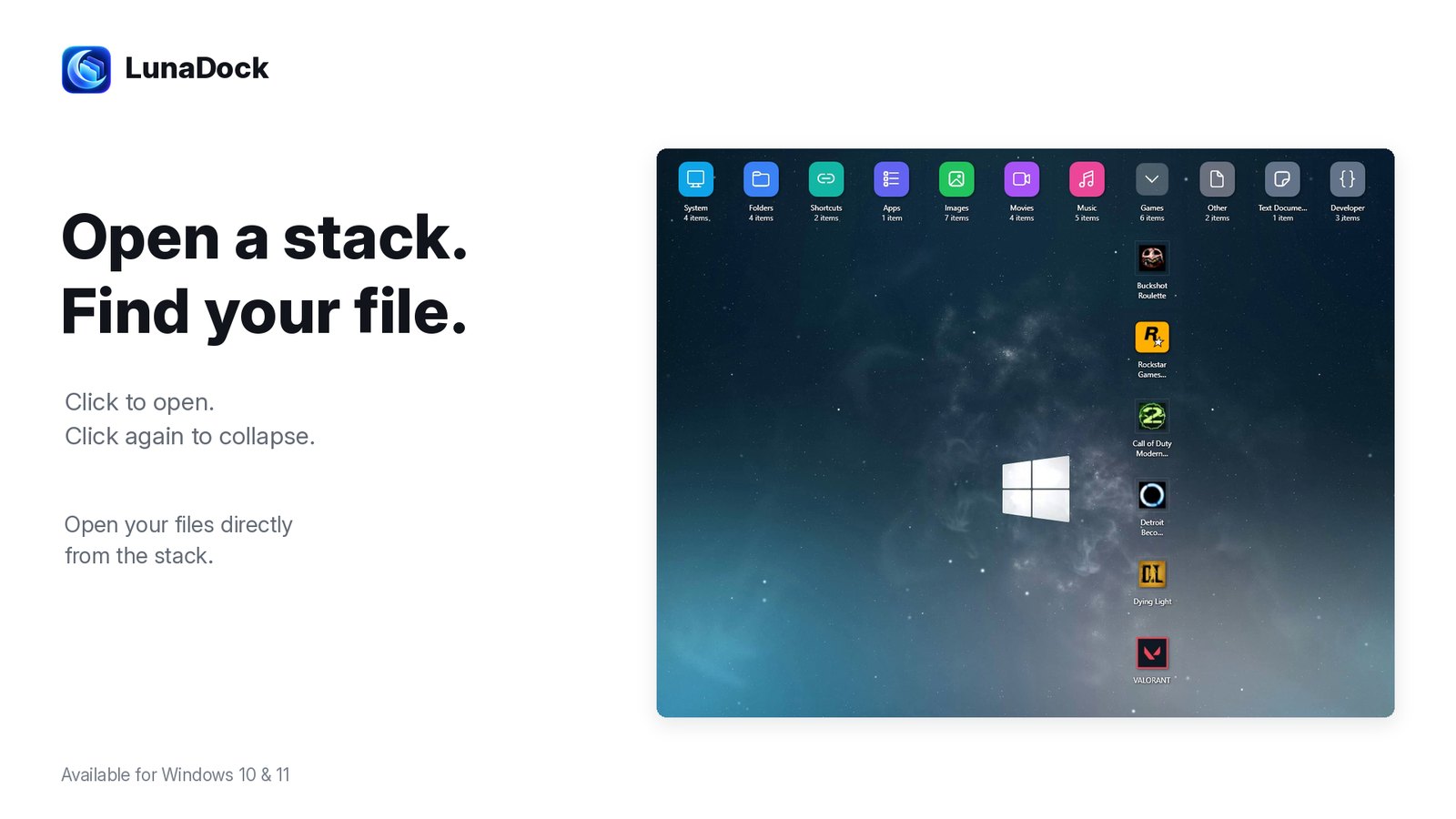
LunaDock gathers the files, folders and shortcuts on your Windows desktop into neat stacks: images, movies, music, documents, games, apps and more. Click a stack to fan it open, click again to tuck it away. Your files stay exactly where they are.
Full description
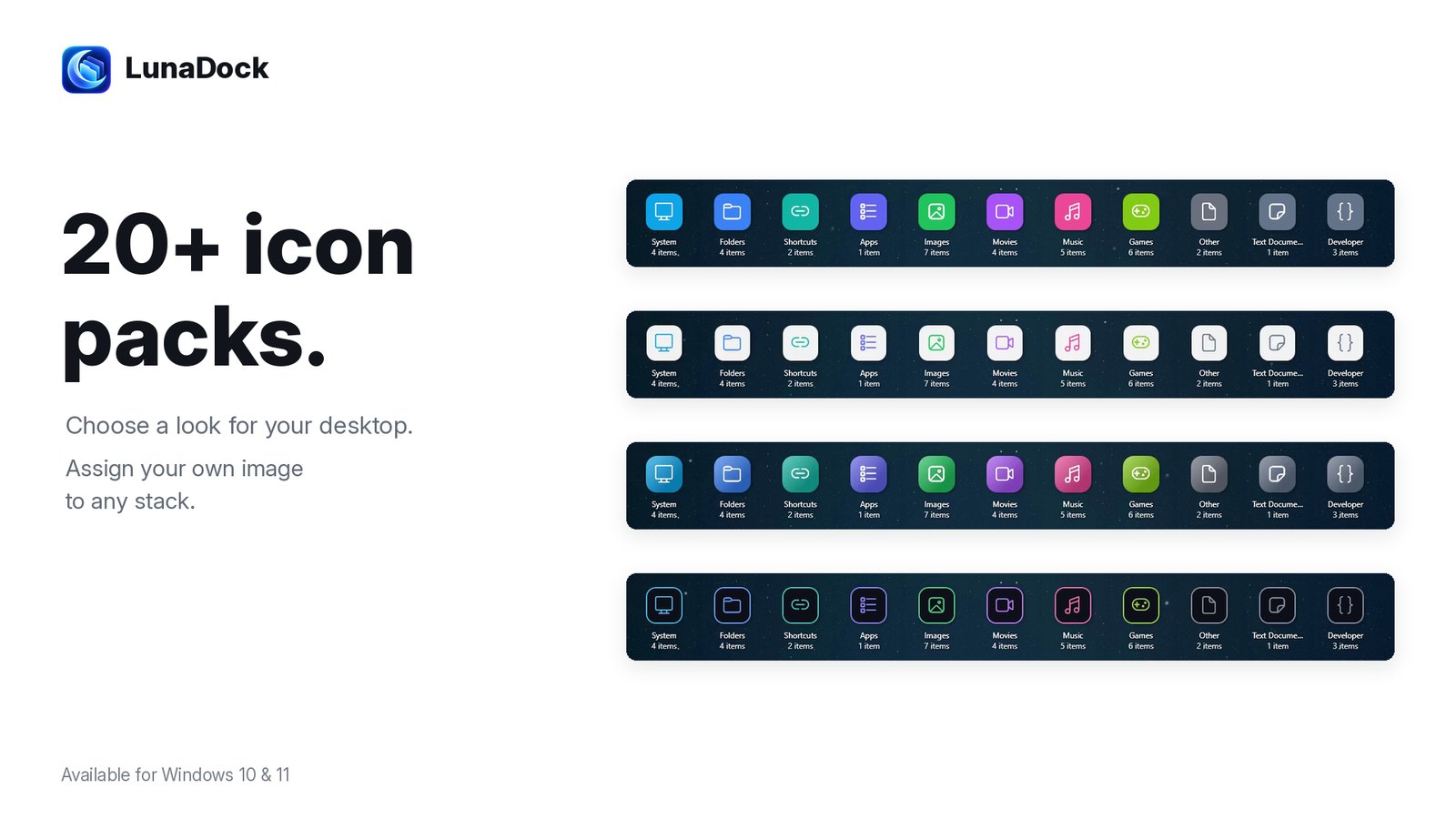
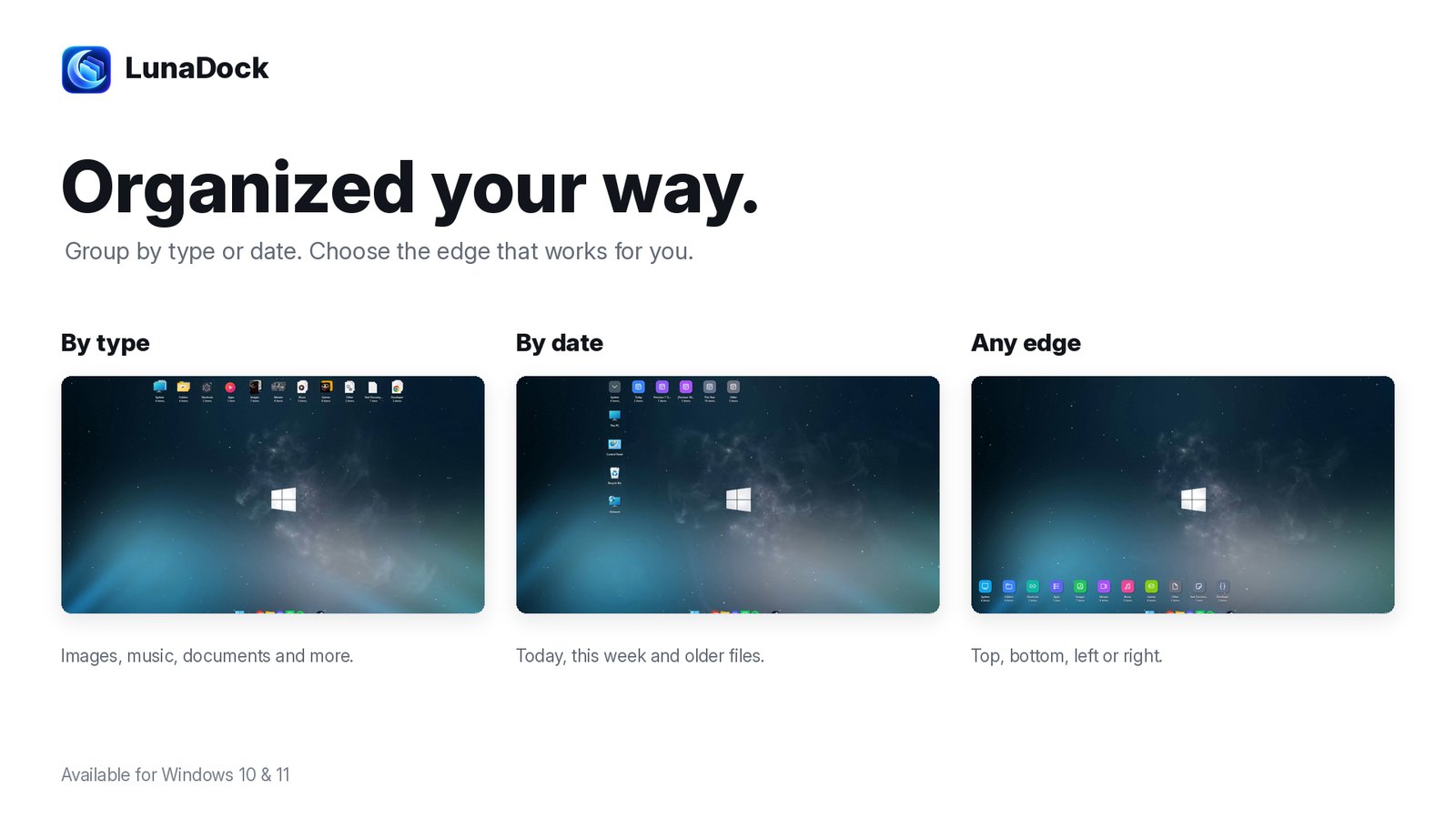
LunaDock is a desktop organizer for Windows 10 and 11. It turns a cluttered desktop into stacks grouped by file type or by date, placed on any edge of any monitor. Click a stack to fan it open, preview files with Space, and use the familiar Windows right-click menu to open, rename and delete. More than 20 icon packs, from Fluent and Glass to Neon, Pastel and Aurora, let you match your wallpaper, and any stack can take your own icon or image. LunaDock never moves your files: it only shows them in stacks, hides the original desktop icons while it runs and brings them back when it closes. It speaks 16 languages, has no account, analytics or tracking, and is available on the Microsoft Store.
Downloads


Screenshots
Notes for writers
- Screenshots show example files. Please do not alter the logo.
- When you write about LunaDock, please link to its Microsoft Store page or to lunadock.kingpindev.com.
Ready to try LunaDock?
Get it from the Microsoft Store and set it up in a minute. Write to us at lunadock@kingpindev.com